Free password protected photo gallery

Create a password protected photo gallery for free.

Add a password, upload the images, and send the client link. The free gallery is temporary, view-only, and does not require an account or payment.

Free, no accountPassword ready14-day expiration

Create a free private gallery

No account. Private link. 14-day expiration.

Drop photos here

or click to browse

14-day expiration. Private link included.

Client view

Intimate, shared on your terms.

Free galleries give your client a quiet, distraction-free view through a private link, with an optional password and automatic 14-day expiration.

View a studio gallery example
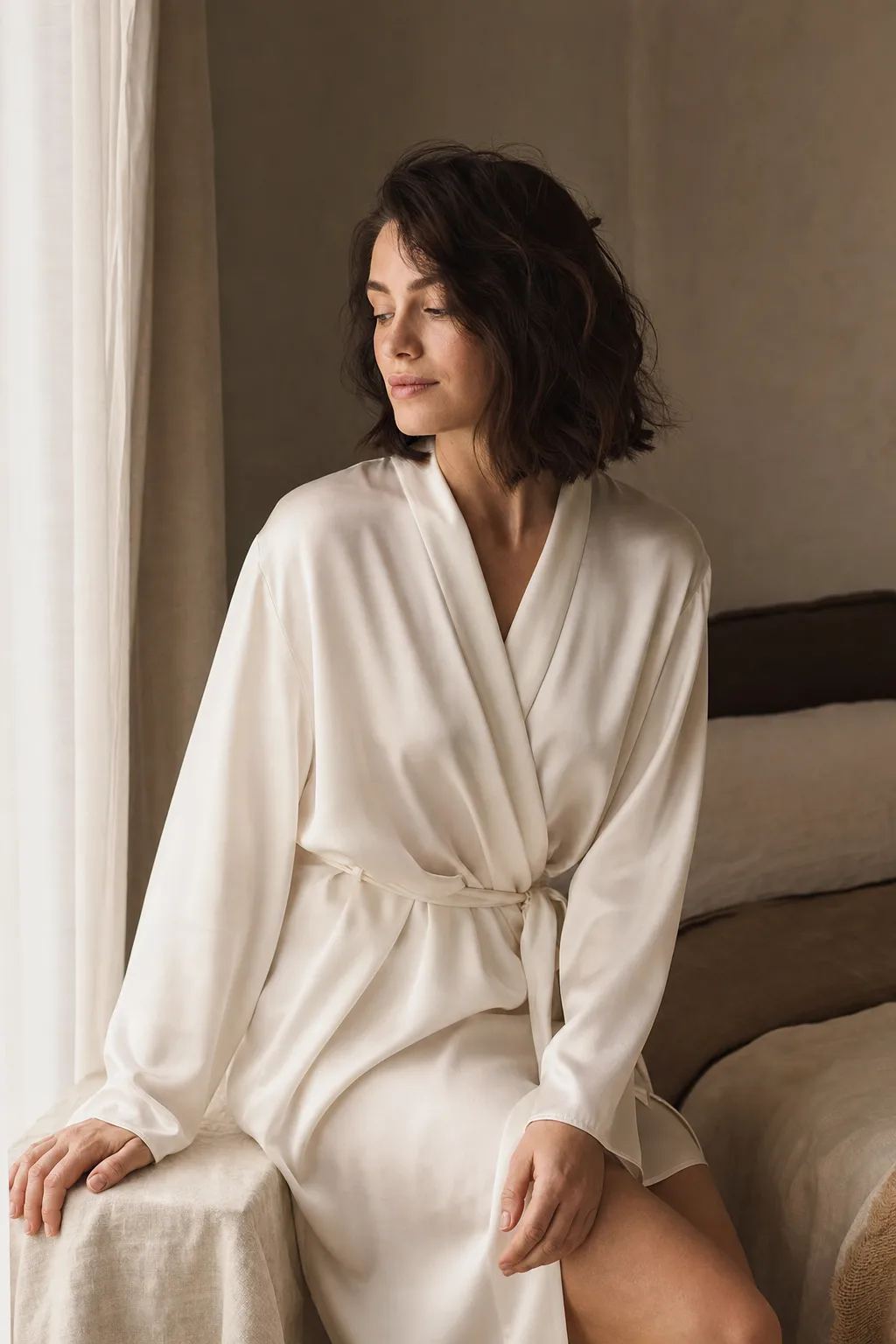
Tasteful boudoir portrait in an ivory silk robe by a window
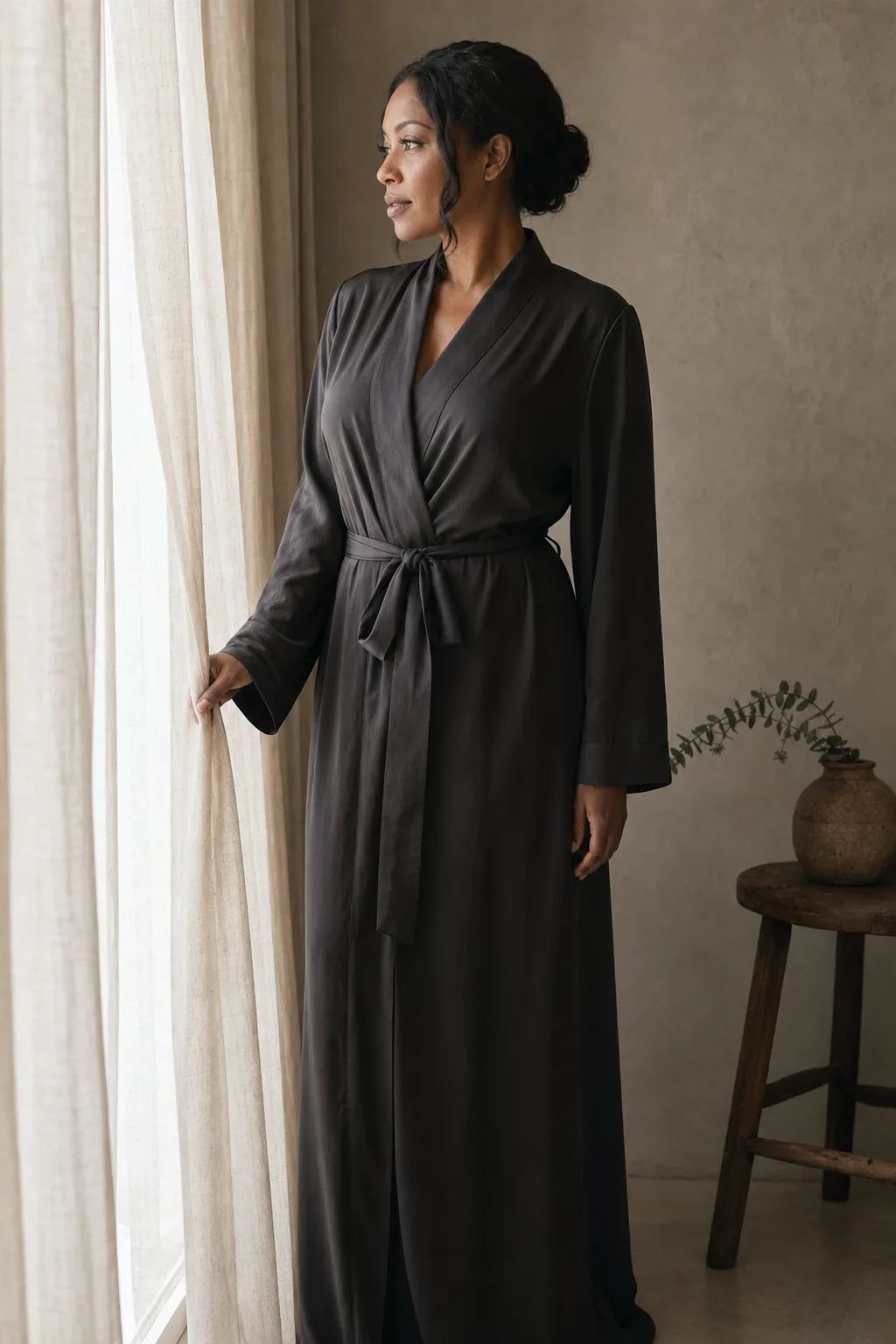
Intimate editorial portrait in a charcoal silk robe
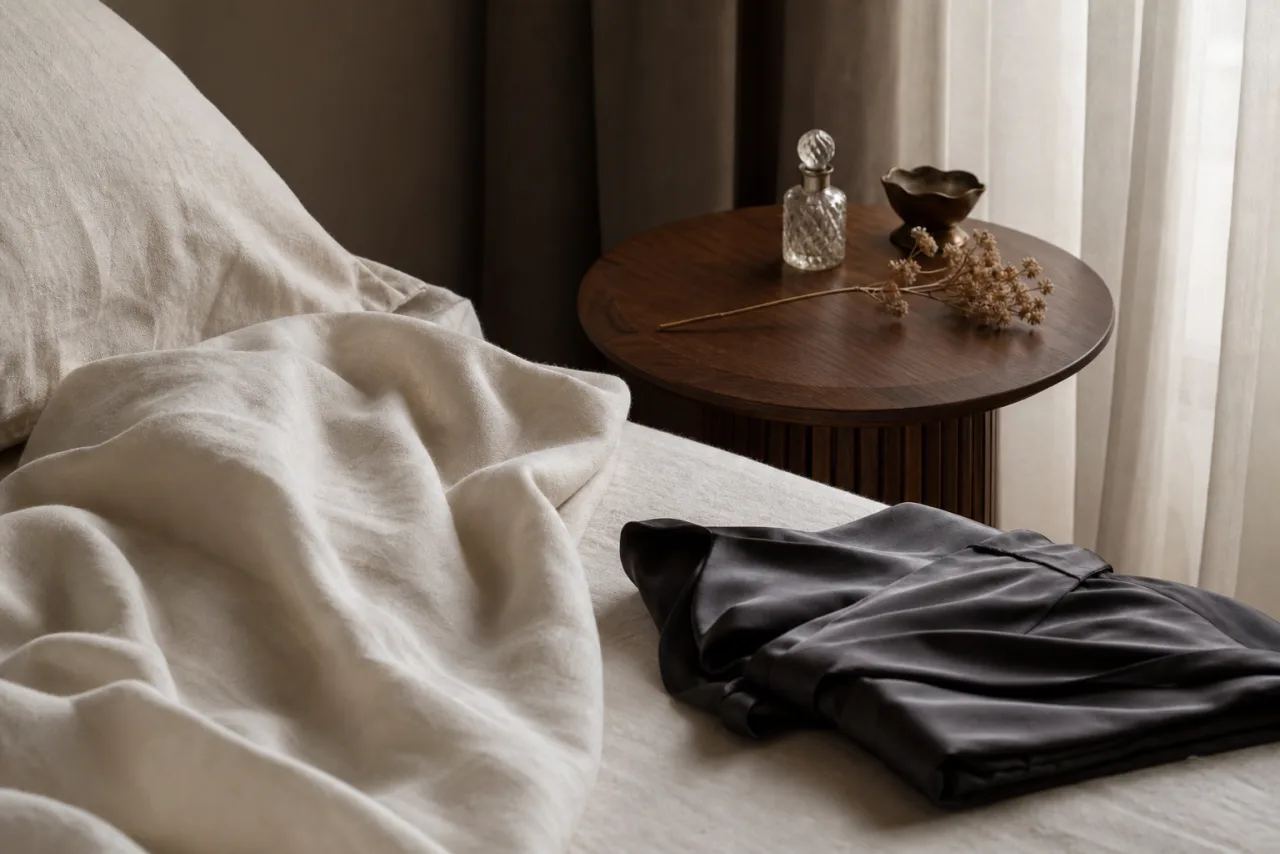
Boudoir session details with linen, silk, and soft window light

Client walkthrough

What a client sees on a phone.

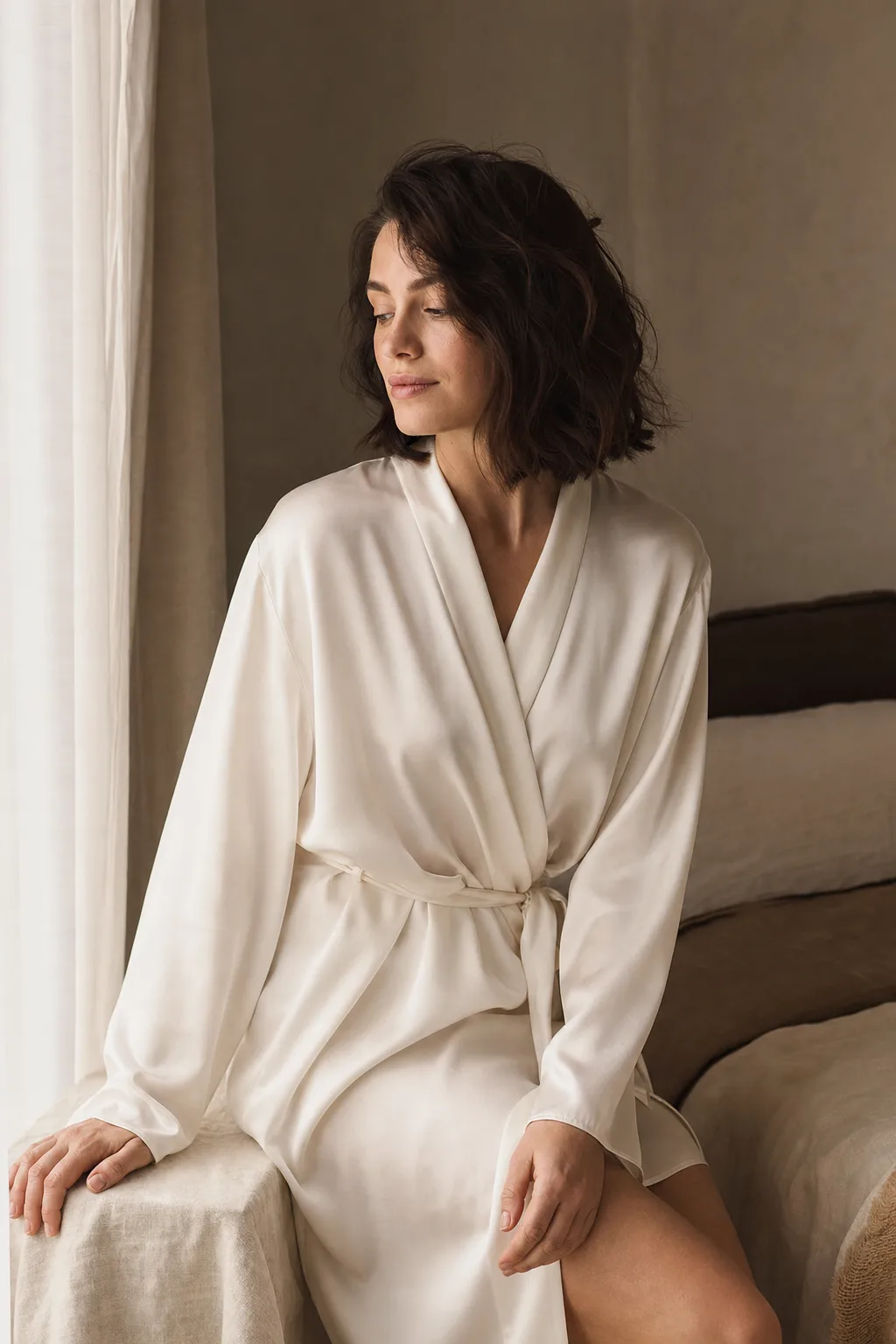
This walkthrough mirrors Framekeep's free client gallery: password prompt first, image requests after a successful unlock. The portrait below is an actual Framekeep example asset.

Private portrait proofs

Gallery access

Private portrait proofs

Temporary client view

Framekeep example portrait shown in the unlocked mobile gallery view
  1. Open the client link

    The random client link can show the gallery title, but the viewer does not request the image list while the gallery is locked.

  2. Enter the gallery password

    A correct password creates an HTTP-only browser unlock for this gallery. Incorrect attempts are rate limited.

  3. View on a phone

    After the password is accepted, the client can view image previews. The free gallery does not include favorites or downloads.

What the password does

Add one simple step before clients see the photos.

Choose a gallery title and optional password before uploading. When your client opens the link, Framekeep asks for the password before showing any photos.

Framekeep stores the password securely and slows repeated incorrect attempts.

  • Your client link and edit link are separate. Send only the client link.
  • Private gallery pages are left out of Framekeep's public search pages.
  • The gallery closes automatically 14 days after you create it.

What to keep in mind

A password helps with access, but it cannot prevent copying.

Anyone who receives both the client link and password can open the gallery. A viewer can forward them or capture what appears on screen.

Changing the gallery password affects future visits, but it does not sign out someone whose browser already opened the gallery. Use a studio invite when you need to revoke one person's access.

  • The free gallery does not include favorites, client downloads, proof watermarks, or studio branding.
  • A password does not replace a client consent, retention, or delivery policy.
  • Use the separate edit link to change or remove the password while the gallery is active.

When you need more

Move from a quick share to a complete client workflow.

Use the free gallery when one shared password and 14 days of private viewing are all you need. You can create it immediately without an account.

Create a studio when you want clients to choose favorites, review watermarked proofs, and download finished images in a gallery that carries your brand. Add a PIN or an invite you can time-limit, revoke, or make single-use when a client needs more controlled access.

Evaluation checklist

Test the access path before sending client work.

A useful password protected gallery should be judged from the client's phone, not only from its settings screen. Create a test gallery, open the client link in a private browser window, enter a wrong password once, then unlock it and check the image view.

Confirm who receives the link and password, how long access lasts, and whether your job needs selections, downloads, or individual invites. Those needs determine whether the free gallery or a studio gallery is the better fit.

  • Use a unique password and send it separately from the client link when the session calls for that extra step.
  • Keep the edit link out of the client message.
  • Check the unlock and image view on a phone before delivery.
  • State the 14-day gallery lifetime in the delivery message.

When your studio grows

Make every gallery feel like yours.

The free gallery is perfect for a quick private send. Create a studio when you want every client gallery to carry your logo, colors, and preferred look.

  • Upload one studio logo for every gallery.
  • Choose a custom accent color for client actions.
  • Preview White and Dark gallery themes before sharing.

FAQ

Password protected gallery FAQ.

What does the free gallery password protect?

It keeps the photos hidden until the client enters the correct password. It cannot stop someone from forwarding the link and password or capturing an image after the gallery opens.

Can I create a gallery without a password?

Yes. Leave the password field empty and Framekeep will create a private client link without a password gate.

Can I remove or change the password later?

Yes. Use the separate edit link while the gallery is active. The change applies to future visits, but it does not sign out someone whose browser already opened the gallery.

Is the free gallery password the same as a studio PIN or invite?

No. The free gallery uses one optional shared password and closes after 14 days. Studio galleries can use a PIN or individual invite, and they add client favorites, proof watermarks, branding, and finished-image downloads.

Do clients need a Framekeep account?

No. They open the client link you send them. If you set a password, the page asks for it before images load.

How long does the free gallery stay online?

Free galleries close automatically after 14 days. Create a new one for the next job.

Are client galleries indexed by search engines?

Private client and edit routes are omitted from sitemaps and send noindex and robots directives for compliant crawlers. Authorization is the privacy boundary; crawler compliance is not guaranteed.